How to play Bloodborne on PC
An emulator and three native ports, one shared requirement, and a clear way to decide between them.
Bloodborne runs on PC through community projects, not through a port by FromSoftware or Sony. Pick between an emulator (shadPS4) and a native port (bbport, the Windows port, or bbhost). All four need your own 1.09 dump.
Short answer: Bloodborne runs on PC through community projects, not through a port by FromSoftware or Sony. Pick between an emulator (shadPS4) and a native port (bbport, its Windows sibling, or bbhost). Emulation gives you a general PS4 emulator and a GUI you can configure; native ports run the game's own code on your CPU and reach higher frame rates, with bbhost adding working online play. All four need your own 1.09 dump.
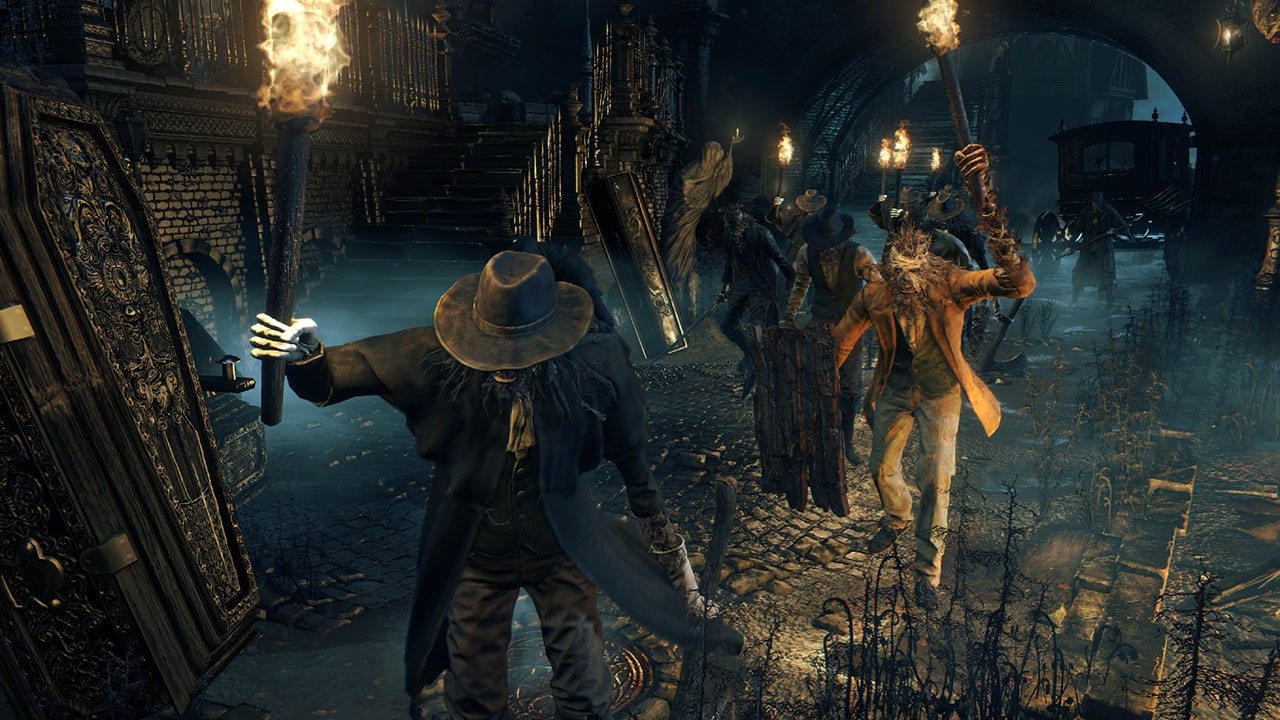
Official Bloodborne screenshot, PlayStation.
The shortest honest summary
Bloodborne is a PS4 game. Its CPU is an ordinary x86-64 chip, which is why this is even possible: the game's code does not need to be translated to run on a PC, it needs a place to live. An emulator builds that place by imitating a PlayStation 4. A port builds it by hand, one game at a time, implementing exactly the system functions Bloodborne calls.
That single difference explains almost everything else — why the ports are faster, why they arrive later, why they support one game, and why their online features are their own private networks rather than Sony's.
The four routes side by side
| Route | Runs on | How it runs the game | Online | Reach for it if |
|---|---|---|---|---|
| shadPS4 | Windows, Linux, macOS | Full PS4 emulation; you install a dumped game folder | shadNet, the emulator's own service | You want a GUI, other PS4 games, and the biggest community |
| bbport | Linux | The game's own executable on your CPU, PS4 libraries reimplemented, Vulkan renderer | shadNet servers plus The Hunter's Dream for messages and bloodstains | You play on Linux and want the highest frame rates |
| Windows port | Windows 10/11 | Same as bbport, adapted to Win32 | Not its focus | You want the fastest path to playing on Windows |
| bbhost | Windows and Linux | Translation layer; all 660 of the game's named imports reimplemented, graphics lifted to native code | The Hunter's Dream private server | You want the most complete reimplementation, mods and online |
Emulation: shadPS4
shadPS4 is an early PS4 emulator for Windows, Linux and macOS. The emulator core is command-line; the project's own advice is that end users download its Qt launcher instead, which gives you a version manager, per-game settings, patches and a compatibility column.
Practically, it means you are running a console: you bring a dumped game folder named CUSAxxxxx, the update as a CUSAxxxxx-patch folder, DLC into an additional-content directory, and — for the best compatibility — firmware modules and fonts dumped from your own console. It is more setup than a port, and it is the only route here that can also run games other than Bloodborne. Details and every step are in the shadPS4 setup guide.
Native ports: the same idea, three times
The ports share one architecture: the game's eboot is converted offline into a flat memory image with the PS4's libc and file-system libraries linked into it, so a small C loader can map it and jump into the game. No instruction translation happens while you play.
- bbport targets Linux and is the origin of the approach. Its renderer is derived from
shadPS4's but heavily extended, and it adds its own temporal upscaling, a GTK4 launcher and a Steam Deck AppImage.
- The Windows port adapts bbport's code to Win32, replacing the Linux memory and threading
layer with VirtualAlloc/VirtualProtect and native synchronisation. It ships a graphical launcher, an in-game overlay and bundled FSR upscaling.
- bbhost is the most ambitious of the three: rather than emulating the GPU's command
processor, it hooks FromSoftware's own graphics layer and builds draws from the engine's objects, and it decompiles the game's shaders to typed SPIR-V as they are created. It runs on Windows and Linux, and it is the project behind the online server.
Install steps for all three, including the eboot hash bbhost insists on, are in the native port setup guide.
What every route has in common
- Your own copy, dumped at 1.09. Not optional, and not something this site will help you
source — see the legal questions.
- A Vulkan 1.3 GPU on current drivers. Stale drivers on any GPU in the machine, integrated
ones included, cause trouble.
- A first run that looks slow. Shaders are compiled the first time the game meets them.
The title screen and the first minutes of each new area are the worst of it; after that the cache is reused, and both bbhost and the Windows port keep pipeline caches on disk.
- A settings menu that lives inside the game. Ports do not put their options in a separate
window — they add PC Settings, PC Graphics and Key Bindings entries to Bloodborne's own System menu, which is why they look the way they do.
- Benchmarks that are honest about the hardware. Frame-rate figures in these projects come
from specific cards (an RX 7800 XT on Linux, a Radeon 8060S, a GTX 1060). Treat them as measurements, not promises; performance settings explains what to change if you land short.
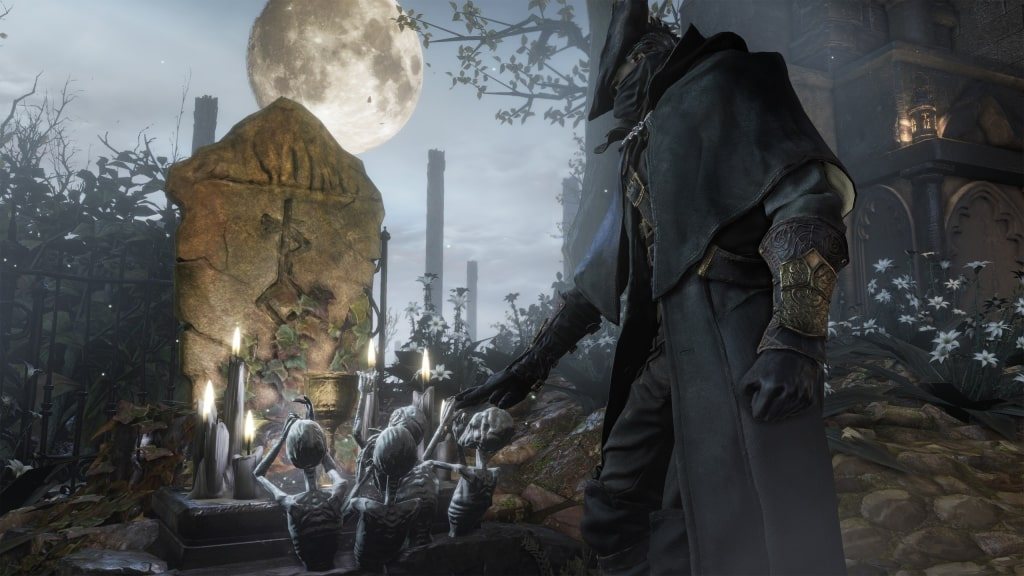
Official Bloodborne screenshot, PlayStation.
Choosing in one minute
- Windows, want it running tonight: the Windows port — a launcher, an overlay, no console
work. Check its requirements first: it needs AVX 1.0, which rules out pre-2011 CPUs.
- Windows or Linux, want online and mods: bbhost.
- Linux, want the highest frame rates: bbport.
- Want an emulator you can reuse, or you're on macOS: shadPS4.
Whichever you choose, keep one thing in mind: the four projects are developed independently and at different speeds. Read the version comparison before you commit a weekend to one of them.