What your PC needs
One requirement is shared by all four routes. The rest is where people get caught out.
A Vulkan 1.3 GPU is the one requirement every route shares. The Windows port also needs AVX 1.0 on the CPU and Windows 10/11; bbhost recommends 16 GB of RAM with 8 GB of video memory; shadPS4's floor is 8 GB of RAM and a 4-core, 6-thread x86-64-v3 CPU.
Quick answer: a Vulkan 1.3 GPU is the one requirement every route shares. After that it splits: the Windows port needs AVX 1.0 on the CPU and Windows 10/11; bbhost recommends 16 GB of RAM with 8 GB of video memory — and 6 GB NVIDIA cards play at 1080p; shadPS4's floor is 8 GB of RAM, 2 GB of VRAM and a 4-core, 6-thread x86-64-v3 CPU. All of them need a dumped 1.09 copy.
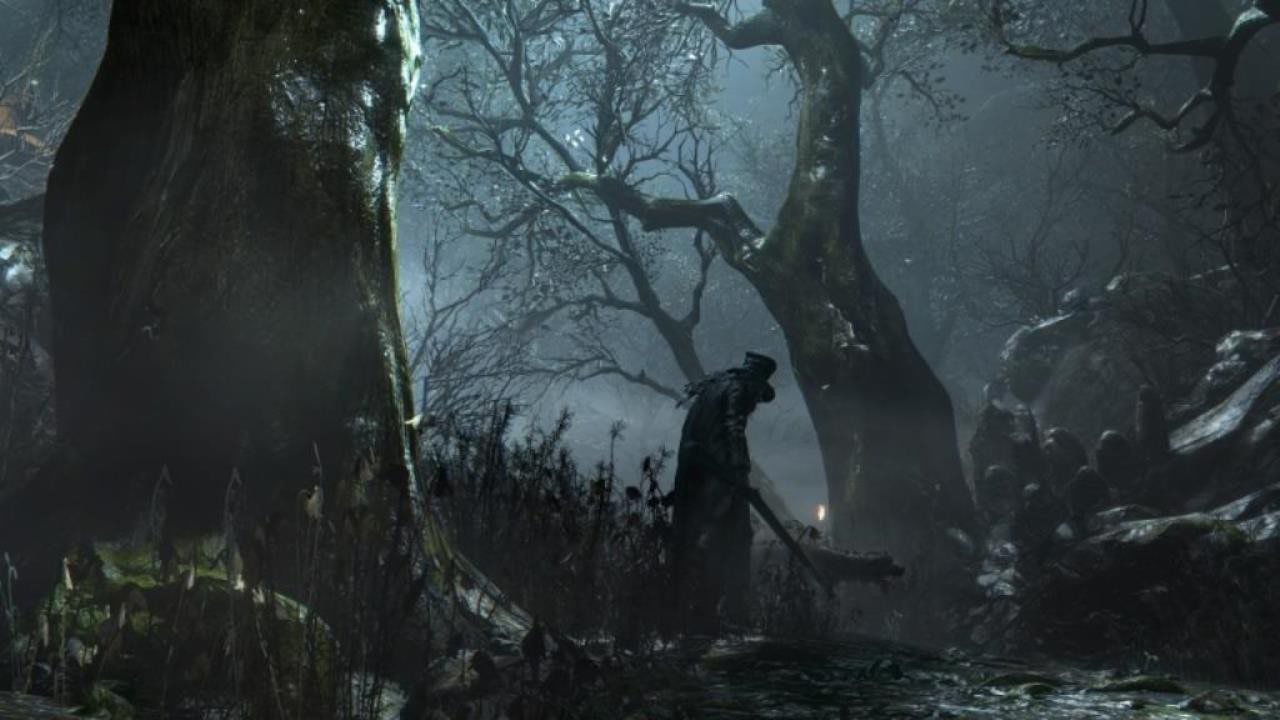
Official Bloodborne screenshot, PlayStation.
The hardware floor, per route
| shadPS4 (emulator) | bbhost (Windows/Linux) | Windows port | bbport (Linux) | |
|---|---|---|---|---|
| CPU | 4 cores / 6 threads, above 2.5 GHz, x86-64-v3 — Intel Haswell or newer, AMD Excavator or newer | x86-64 | x86-64 with AVX 1.0 and SSE4.2 — Sandy Bridge / Bulldozer or newer | x86-64 |
| GPU | 2 GB VRAM, Vulkan 1.3 with VK_KHR_swapchain and VK_KHR_push_descriptor | Vulkan 1.3 | Vulkan 1.3 — GTX 10-series, RX 400-series, Arc A-series or newer | Vulkan 1.3 |
| RAM | 8 GB | 16 GB recommended | Not published | Not published |
| VRAM | 2 GB | 8 GB recommended; 6 GB NVIDIA cards play at 1080p | Not published | Not published; FSR 4 needs specific shader features |
| OS | Windows 10+, Ubuntu 22.04+, macOS 26+ | Windows 10/11, Linux | Windows 10/11, 64-bit | Linux x86-64 |
| Also required | Nothing beyond the above | Decrypted 1.09 eboot with a known SHA-256 | Decrypted CUSA03173 folder with eboot.bin v1.09 | 1.09 dump; building needs GCC, CMake, Ninja, SDL3, glslang |
Two of these numbers deserve a sentence each, because they are the ones people get wrong.
AVX 1.0 is not the same as AVX2. The Windows port does not need AVX2. It does need AVX 1.0, because the game's own libraries are compiled with VEX-encoded instructions; a Core 2 Quad or a Nehalem-era Xeon cannot execute them, and the launcher fails its pre-flight check rather than letting you find out mid-fight. Inside a virtual machine, make sure AVX and XSAVE passthrough are enabled, or the check fails for a reason that has nothing to do with your hardware.
macOS has its own floor. shadPS4 needs macOS 26.0 or newer, and Intel Macs are not supported at all. If you are on an Apple laptop, an Apple Silicon machine under Rosetta 2 is the only supported configuration.
A modern GPU beats a big one
Every route here is Vulkan 1.3-only, and driver quality matters more than the model number. The single most common cause of strange behaviour is a stale driver — and not necessarily on the GPU you are using. Update every GPU in the machine, integrated graphics included; the emulator's own quick start singles this out as a source of otherwise inexplicable problems.
Storage
Budget for the game, the update, and the runtime's own working files. Two of them grow in ways worth planning for:
- Pipeline and shader caches. Both bbhost and the Windows port keep compiled Vulkan pipelines
on disk so that shader stutter is a first-visit cost. They are safe to delete — the next start rebuilds them — so treat them as cache, not as precious data.
- Saves and backups. bbhost keeps every save in a backup folder and retains the newest eight.
That is small next to the caches, and it is the folder you will care about.
What you need beyond hardware
- A copy of Bloodborne that you own, dumped at version 1.09. Every project is explicit that
it ships no game data.
- A way to make the dump. On a console, that means a jailbroken PS4 and a dumper — Itemzflow
is the usual homebrew choice, FTP dumpers the other — plus the update applied over the base game rather than beside it, unless you are using the -UPDATE folder layout the ports also accept.
- Firmware modules and fonts, for the emulator route. shadPS4 uses these in low-level mode and
they fix games that plain emulation struggles with. Ports do not need them; they implement what the game calls instead.
- A decrypted 1.09
eboot.binfor the ports. bbhost is the strictest: it wants the file at
SHA-256 941f887a562aae054fac35af8cc8f27cf075f3d4cc2e029fb5ae2a663aaa5ae7, and stops with your file's actual hash if it differs.
- Patience for the first boot. Shader compilation happens the first time the game meets a
shader. It is measured in seconds to half a minute depending on the machine, and then it is over.
Official Bloodborne screenshot, PlayStation.
Quick self-check before you download anything
- Run a Vulkan-capable game or a benchmark and confirm your driver reports Vulkan 1.3.
- On a laptop, check which GPU the display is attached to and plan to select the discrete one
explicitly in the launcher.
- Confirm your dump's
sce_sys/param.sforeadsAPP_VER 01.09. - If you plan to play online, confirm your router allows UPnP or that you can forward a UDP port.
Then pick a route in the comparison and follow the setup guide for it. If something refuses to start, the troubleshooting table is organised by symptom, and starts with the two failures that account for most of them.