Performance settings that matter
Where the frames actually come from: frame caps, render resolution, memory and two platform traps.
Set 60 fps, render internally at 720p or 1080p and let FSR or DLSS upscale, and watch video memory. On an AMD card under Windows, play fullscreen: windowed mode stops the driver answering the game's occlusion queries.
Quick answer: set 60 fps, render internally at 720p or 1080p and let FSR or DLSS upscale, then watch video memory — the projects that release render targets when they are done with them are the ones that stay stable over a long session. On an AMD card under Windows, play fullscreen: windowed mode stops the driver answering the game's occlusion queries.
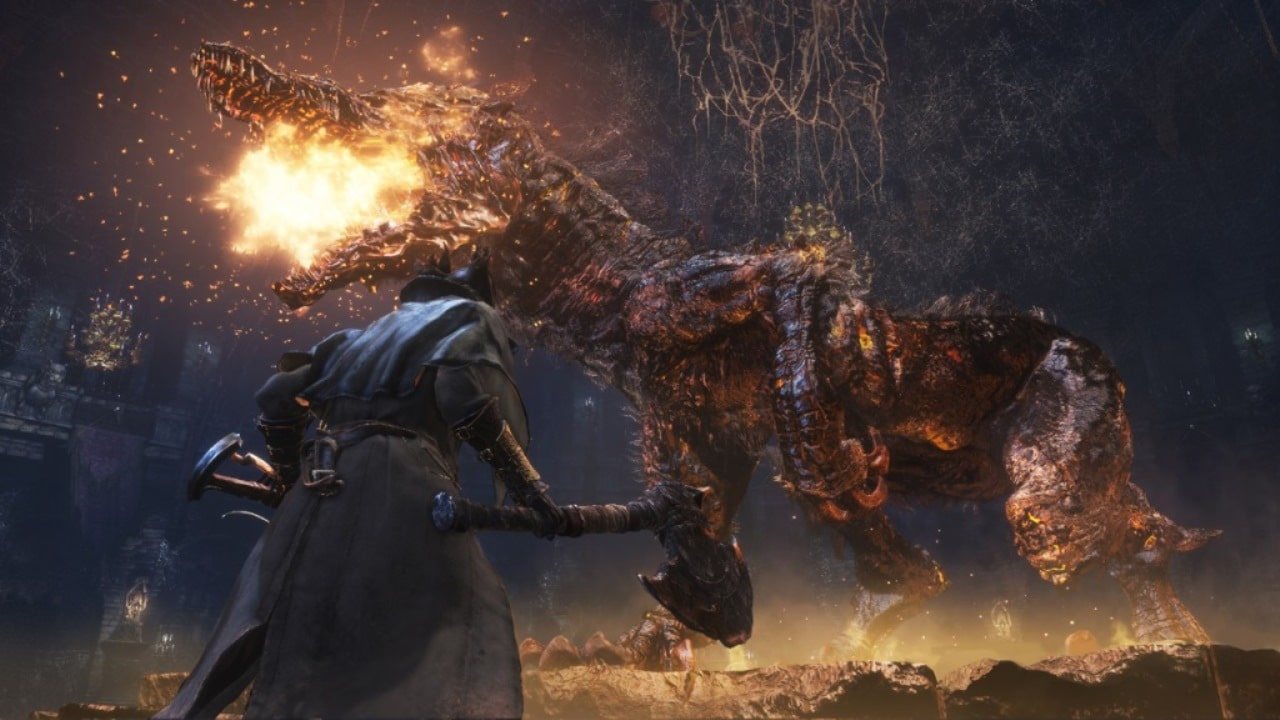
Official Bloodborne screenshot, PlayStation.
Start with the frame rate
30 fps is the game as it shipped. Above that, every project does the harder thing: it keeps the game's logic correct while the frame rate rises, so physics, AI, ragdolls, cloth, grass and camera easing do not run in fast-forward.
bbhost offers 30, 60, 90, 120 or Uncapped, applied on the next start, stepping by the measured frame time. Uncapped follows the display with V-Sync on, and reaches 240 fps with it off. Above 60, a rate your machine cannot hold shows up as the game running slower than real time in the few places that count frames — "uncapped" and "smooth" are not the same thing.
| Setting | What it buys | What it costs |
|---|---|---|
| 30 fps | The shipped experience, lowest load | Visible judder in camera movement |
| 60 fps | The intended PC default, correct pacing | More CPU in the game's own steps |
| 90 / 120 fps | Smoother camera and input | Frame time must actually be there |
| Uncapped | Follows your display | Only worth it with headroom to spare |
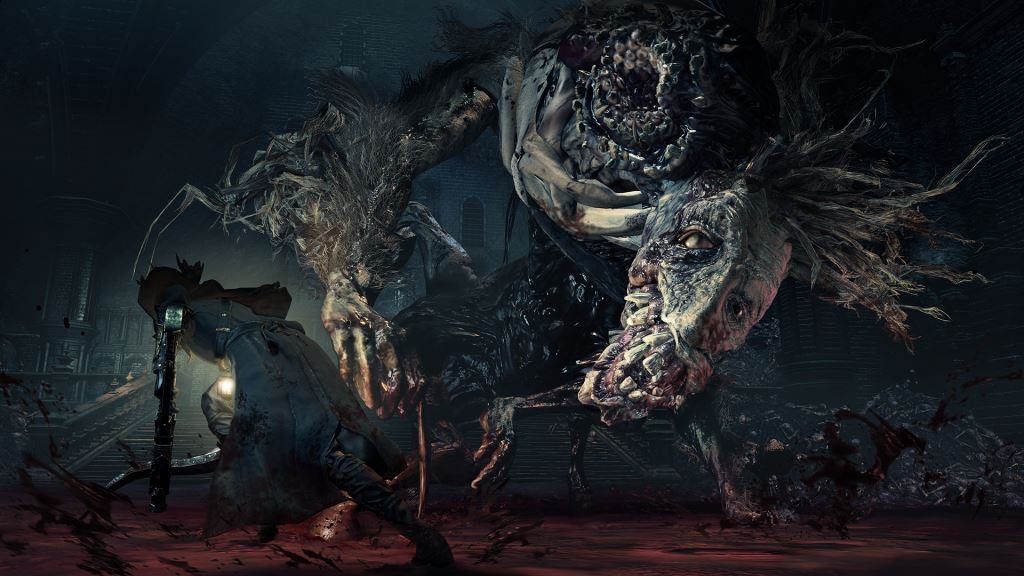
Official Bloodborne screenshot, PlayStation.
Resolution and upscaling
Bloodborne has no velocity buffer, which temporal upscalers normally need. Every port solves that by computing motion vectors itself — camera motion from the depth buffer and scene matrices, object motion from the previous frame's vertex positions — rendering the scene at a lower internal resolution before upscaling. The UI stays at native resolution, so text stays crisp.
bbport offers FSR 3.1, FSR 4 (INT8) on GPUs with the required shader features including RDNA2 and RDNA3, and FSR 4.1.1 recorded from your own AMD DLL — bit-exact with that DLL, with its final passes rewritten so that FSR 4 costs roughly 4 ms at 4K on an RX 7800 XT instead of about 6 ms. DLSS is available if you build with NVIDIA's SDK, and a native-resolution TAA mode switches live without an FSR model. The Windows port exposes the same idea in its launcher, with an anti-aliasing choice of Native FXAA (the PS4 default), TAA through the game's compute pipeline, or no AA at all.
The projects' published figures are measurements, not promises: bbport reports around 90 fps at 4K with FSR 4 Balanced and around 150 fps at 1440p with FSR 4 Quality on an RX 7800 XT.
Memory is where long sessions are won
The least glamorous setting, and the one that decides whether your fourth hour is as smooth as your first.
- bbhost v0.2.18 freed render targets and textures the game had already replaced. Before that,
video memory grew with every area until a card could run out — the release notes record a 12 GB card giving up on a 4K tour, and about 1 GB less in use after twelve areas at 1080p once it was fixed. The same release lifted 3,068 of the game's 3,209 pixel shaders, cutting up to 1.7 ms of GPU time per frame at 4K.
- bbport frees unused textures in both memory models, for the same reason.
- bbhost follows your driver's video-memory budget at runtime, keeping the last 512 MiB for
render targets and moving textures to system memory when the card gets close. Its log prints video memory: headroom ... every five seconds; that line and video memory is full are the first place to look on a smaller card.
- Close what else is holding video memory. Browsers, capture software and a second game all
shrink the budget the port is living inside.
Shader compilation, and why your first hour is worse
Every route compiles shaders the first time it meets them, and the ports keep the results: bbhost and the Windows port both store compiled Vulkan pipelines on disk, so stutter is a first-visit cost per area rather than a permanent tax.
bbhost's caches belong to the translator that built them. An update that leaves the translator alone keeps them and starts as fast as before; one that changes it rebuilds during the title and loading screens, showing Building shaders: N left in the corner. Waiting at the title until that clears gives the smoothest start — about half a minute on a Steam Deck, a few seconds on most PCs.
Platform settings that actually matter
- AMD on Windows: play fullscreen. In a window the desktop compositor means the driver never
completes the game's occlusion queries, so the game stops culling hidden geometry. Measured on a Radeon 8060S at 1920×1080: 112 fps uncapped in a window against 161 fullscreen, and 55% GPU busy against 37% at 60 fps. If the log's occlusion: line says 0 dumps, this is why.
- AMD on Linux: make sure
/dev/udmabufis reachable — the udev rule is on the
- Occlusion culling needs to be allowed to work. bbhost v0.2.17 made the game's own culling
functional: a busy spot on a Radeon 8060S went from about 89% GPU utilisation to about 51%, and from 90 to 130 fps uncapped.
- Windows port:
BB_FRAMES_AHEAD=2bounds GPU run-ahead and steadies the 0.1% and 1% lows. - Lower the internal resolution before you lower the effects. The game's post-processing is what
makes it look like Bloodborne; the upscaler is the cheaper lever.