Which PC route is ahead?
Four projects, one game, and genuinely different engineering. Here is the difference, on one page.
bbhost is the most complete reimplementation and the one with working online play; bbport is the fastest on Linux; the Windows port is the quickest way to play on Windows; shadPS4 is the only general PS4 emulator of the four.
Short answer: bbhost is the most complete of the four — it reimplements all 660 of the game's named system calls, lifts almost every shader to native code, and is the project behind the online server. bbport is the fastest on Linux. The Windows port is the shortest path to playing on Windows. shadPS4 is the only general PS4 emulator here, and the one to pick if you want a GUI, macOS support, or to play other games.
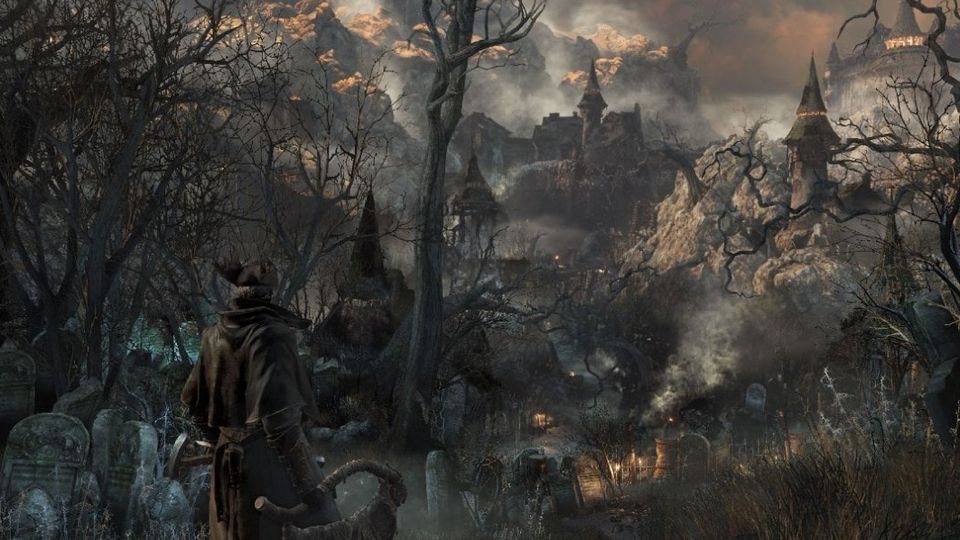
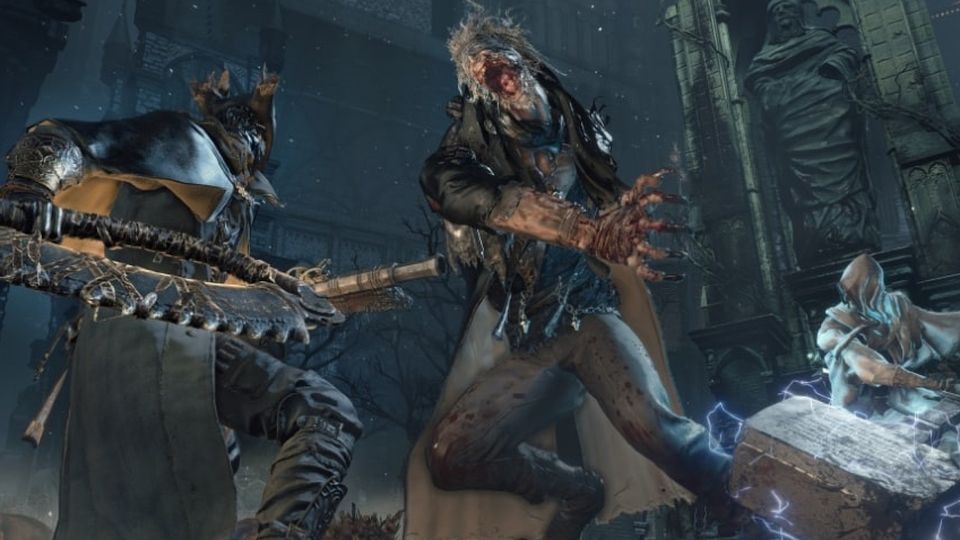
Official Bloodborne screenshot, PlayStation.
Where they actually differ
The four projects split into two families — emulation and native ports — and within the ports, the difference is how much of the console they replace with real code.
| shadPS4 | bbport | Windows port | bbhost | |
|---|---|---|---|---|
| Kind | PS4 emulator | Native port | Native port | Translation layer |
| Runs on | Windows, Linux, macOS | Linux | Windows 10/11 | Windows, Linux |
| Games | Many PS4 titles | Bloodborne only | Bloodborne only | Bloodborne only |
| CPU work | Emulated PS4 kernel at run time | The game's own code, offline-linked image | Same, adapted to Win32 | Same, with imports bound to reimplementations |
| Graphics | Emulated command processor | Translated to Vulkan | Translated to Vulkan | Draws built from the engine's own objects |
| Shaders | Recompiled | Recompiled, with this port's changes | Recompiled | Lifted to SPIR-V — 3,206 of 3,209 pixel programs |
| Upscaling | — | FSR 3.1, FSR 4, FSR 4.1.1, TAA, optional DLSS | FSR 3.1 and FSR 4 | FSR 1 |
| Frame rate | Depends on the game | 30 / 60 / 90 / uncapped | 30 / 60 / 90 / uncapped | 30 / 60 / 90 / 120 / uncapped |
| Online | shadNet, its own service | shadNet servers plus The Hunter's Dream | Not its focus | The Hunter's Dream private server |
| Mods | XML patches, cheats | Loose-file mod folders, XML patches | Loose files, XML patches | Mods folder, param tables, byte patches, native plugins |
| Ultrawide | — | — | — | 21:9 and 32:9 with the HUD repositioned |
| Maturity stated by the project | Early in development | Experimental, playable | Playable on Windows | Playable on Windows and Linux |
| Licence | GPL-2.0 | GPL-2.0-or-later | GPL-2.0-or-later | GPL-3.0-or-later |
What each project says about itself
Worth reading literally, because these are not marketing lines:
- shadPS4 — "shadPS4 is early in development, don't expect a flawless experience." Its current
stable release is v0.20.0, published 14 October 2026, and the release that followed shadNet 0.1.0, the project's own online service.
- bbport — "status: experimental, playable." It boots, loads saves and plays with sound, gamepad
and saving; a full play-through had not been verified, and testing concentrated on one machine, an RX 7800 XT under Mesa/RADV.
- Windows port — "status: playable on Windows." Boots, loads saves, runs with audio, gamepad and
state persistence.
- bbhost — playable on Windows and Linux, with a published table of what is already native code
and what still runs through the emulated command processor.
The graphics difference, in one paragraph
shadPS4 emulates the console's GPU command processor: it walks the game's command buffers and does the work the console's hardware would have done. bbport and the Windows port keep that model for part of the path but translate far more of it into Vulkan. bbhost went the other way entirely — it hooks FromSoftware's own graphics layer, so each draw is built from the engine's objects and the command buffer only marks its place in the stream, and it decompiles the game's shaders to typed SPIR-V as the game creates them. That is why bbhost can offer ultrawide with the HUD in the right place, and why it can report a shader-lifting number at all.
Which one for which machine
- Windows, 6 GB or 8 GB of video memory, want to play tonight: the Windows port. Take the
launcher, set 60 fps, set an internal resolution of 1280×720 with FSR on, and go.
- Windows or Linux, want mods, ultrawide and co-op: bbhost.
- Linux desktop with an AMD card: bbport. It is the project whose renderer was tuned on that
hardware, and its upscaler stack is the deepest of the four.
- Steam Deck: either bbport's AppImage or bbhost's Deck bundle — see
Steam Deck and Linux for the settings that matter.
- macOS, or you want to use the same install for other PS4 games: shadPS4. It is the only
general-purpose option here, and the only one that needs firmware modules and fonts from a console.
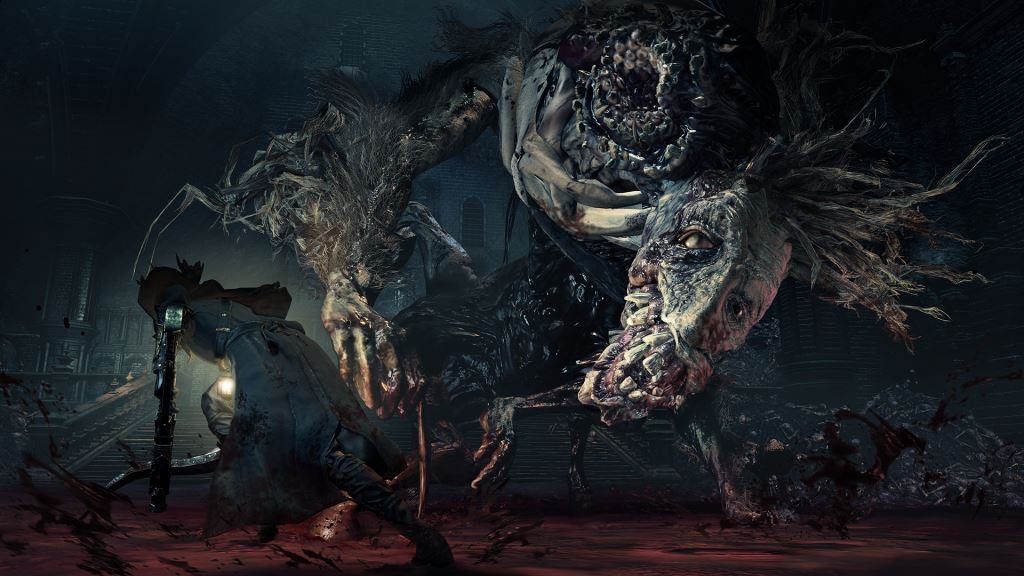
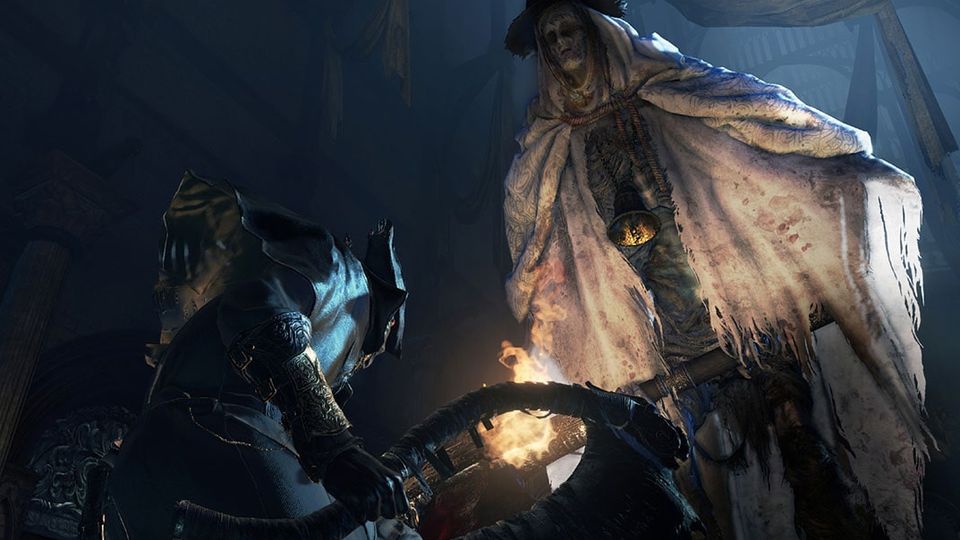
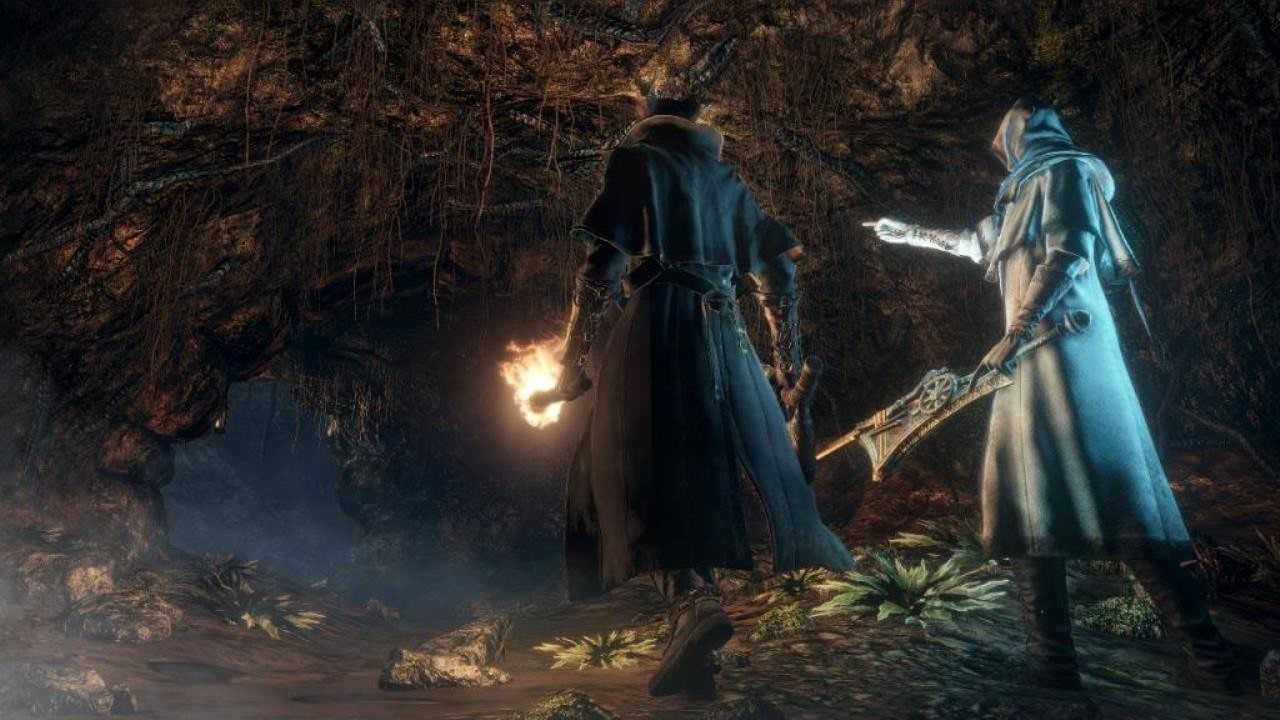
Official Bloodborne screenshot, PlayStation.
What is true of all four
They need your own dump at 1.09. They need a Vulkan 1.3 GPU on current drivers. They all compile shaders on first sight and get faster afterwards. They all keep their settings inside the game's own menu rather than in a separate control panel. And all four are moving fast enough that the version numbers on this page are worth re-checking against each project's releases before you commit an evening to one of them.
If you are still deciding which to install first, the route guide walks the decision the long way, and the requirements page tells you which of them your hardware actually rules out.