When Bloodborne on PC goes wrong
Sixteen symptoms, their causes, and the fix that works — starting at the log file.
A refused eboot means the dump is not 1.09; a flat green title screen means the update's files never went over the game folder; a black world at one resolution is a display-buffer mismatch; an AMD GPU hang under Windows is usually a windowed session.
Quick answer: match the symptom before you change a setting. A refused eboot means the dump is not 1.09; a flat green title screen means the update's files never went over the game folder; a black world at one resolution is a display-buffer mismatch; and a GPU hang on an AMD card under Windows is usually a windowed session. Most of the rest is one log file away.
Official Bloodborne screenshot, PlayStation.
Start at the log
All four projects write one, and all four will ask for it. bbhost logs to standard error, and its packaged run-bbhost.bat or run-bbhost.sh keeps each session in a logs folder — its first line names every configuration file it read, which settles most "it ignored my setting" reports. shadPS4 keeps the last run at user/log/shad_log.txt. The Windows port writes crash telemetry that resolves the faulting address to a module and offset and labels it a read, a write or an execute.
Symptom, cause, fix
| Symptom | Cause | Fix |
|---|---|---|
| bbhost refuses the eboot | Not the 1.09 build | Use the update's decrypted eboot.bin; the message prints your file's version |
Crash in FileTransferTask.cpp(865), or a flat green title screen | Game folder holds files older than the 1.09 update's | Copy the update's files over the folder again, replacing existing ones |
patch: old-hunters skipped in the log | The Old Hunters was left off because its files are missing | Reapply the update, or keep it beside the game as a -UPDATE folder |
| bbport crashes immediately on a fresh dump | The base 1.00 game is being launched | Apply the 1.09 update; the launcher checks the executable and says what is missing |
| bbport crashes when the gestures menu opens | A dump with a baked-in 60 fps patch | Supply a clean eboot.bin; bbport has its own frame-rate handling |
| Black world with the HUD and a grey band, at one resolution | The game's resolution matches the display buffers on one side only — 4K on Linux, 1080p on 1920×1200 or 2560×1080 Windows screens | Update bbhost: v0.2.18 fixed it |
| GPU stops responding; nothing draws afterwards | A driver-level hang | The session cannot recover. The next three starts run with GPU progress markers on, so a fresh log names the draw that hung. Viktor-style overlays that hook Vulkan are a common cause; OBS Window Capture records without hooking, and game capture is kept out automatically on AMD cards |
Crash in combat on Windows, exit 139, 0x2cce9b5 or 0x28cf0d6 | Windows exception dispatch overwriting the System V red zone under texture tracking | Fixed in bbhost v0.2.16 and Windows port v0.5.1. Update, and drop the community "SFX workaround" patch |
| Illegal-instruction crash on Sandy Bridge, Ivy Bridge or an older Xeon | The game's libraries use BMI1 instructions the CPU lacks | Fixed in Windows port v0.5.3: the loader patches the allocator's 63 - lzcnt to BSR and emulates stray BMI1 opcodes |
| Crash when minimising | Swapchain recreation with a zero-sized window | Fixed in Windows port v0.5.1, which pauses presentation while minimised |
| Areas fail to load with "Unimplemented PM4 type 0" | Stray zero-DWORD padding in the command buffer | Fixed in Windows port v0.5.2 |
| Wrong colours, green or black screen, missing pieces | A rendering bug the project needs to see | bbhost: press F12 while it shows. It writes the frame, the render targets and the draw list into logs/f12-<date>-<time>/ and names the folder in the log |
| A controller does nothing, or every press registers twice on a Deck | Steam is injecting desktop controls alongside the pad | Start the game from Steam, as a non-Steam game if needed |
| Slow, or the image degrades on a small card | Video-memory pressure | Read bbhost's video memory: headroom line. Close browsers and capture software; under 7.5 GB free, bbhost holds less memory ahead automatically |
| Slower in a window than in fullscreen, on AMD | The compositor stops the driver completing occlusion queries, so hidden geometry is still drawn | Play fullscreen. Radeon 8060S at 1920×1080: 112 fps windowed against 161 fullscreen |
| Black screen on AMD under Linux | No access to /dev/udmabuf | Add the udev rule below and reload |
| Short hitches on entering a new area | Pipelines compiling on first sight | Expected; both ports cache pipeline binaries on disk |
| About one in four first summons fails | A known limitation of the matchmaking path | Repeat the summon — recorded openly by the bbhost project |
| Slow poison runs twice as fast at 60 fps | A known timing bug at higher frame rates | Play that encounter at 30 fps, or accept it |
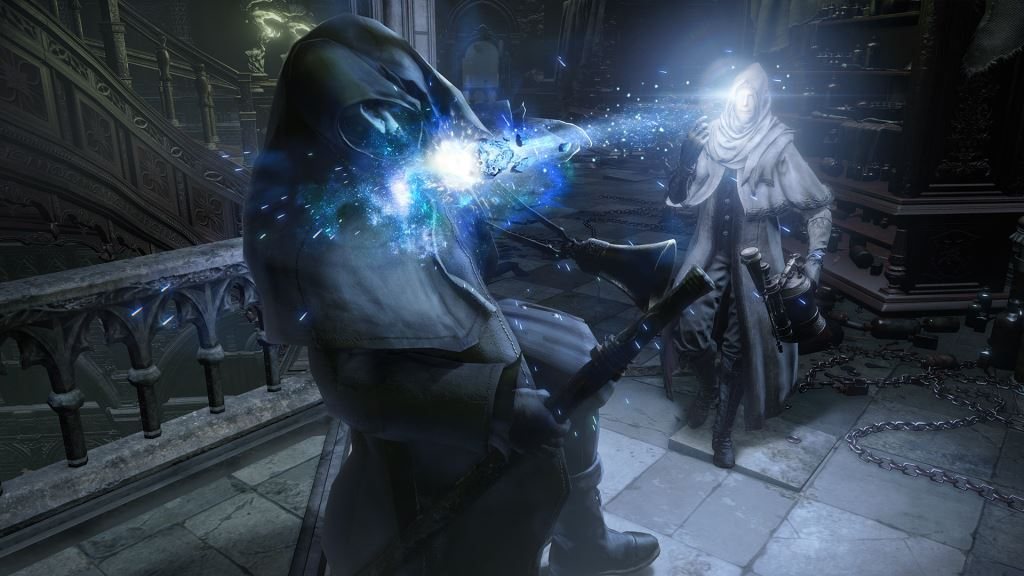
Official Bloodborne screenshot, PlayStation.
The AMD-on-Linux rule
bbhost passes the game's memory to the GPU through /dev/udmabuf, because AMD's kernel driver only imports anonymous memory. If the device is not accessible to your user, the log says so. The project's fix:
# /etc/udev/rules.d/70-udmabuf.rules
KERNEL=="udmabuf", TAG+="uaccess"
Reload the rules, log out and back in, and the message should stop appearing.
What each project already lists as broken
Reading these saves an evening of thinking you misconfigured something. bbhost lists compute dispatches still going through the emulated command processor, the ~5 GB of game memory imported into Vulkan, a particle counter that can start uninitialised (it clamps the dispatch rather than hanging), the slow-poison speed bug, and an unresolved GPU hang reported on an AMD RX 580 under Windows. bbport lists the same compute limitation, an unverified full play-through, and an FSR-related black window on one GTX 1060 configuration, where its advice is to select FSR 3.
Before reporting anything, reproduce it with patches and mods switched off — two of the four projects say outright that they do not support reports made with them loaded. The mods page explains how to toggle them cleanly.