Bloodborne PC guides
The whole guide set in reading order, from choosing a route to playing co-op.
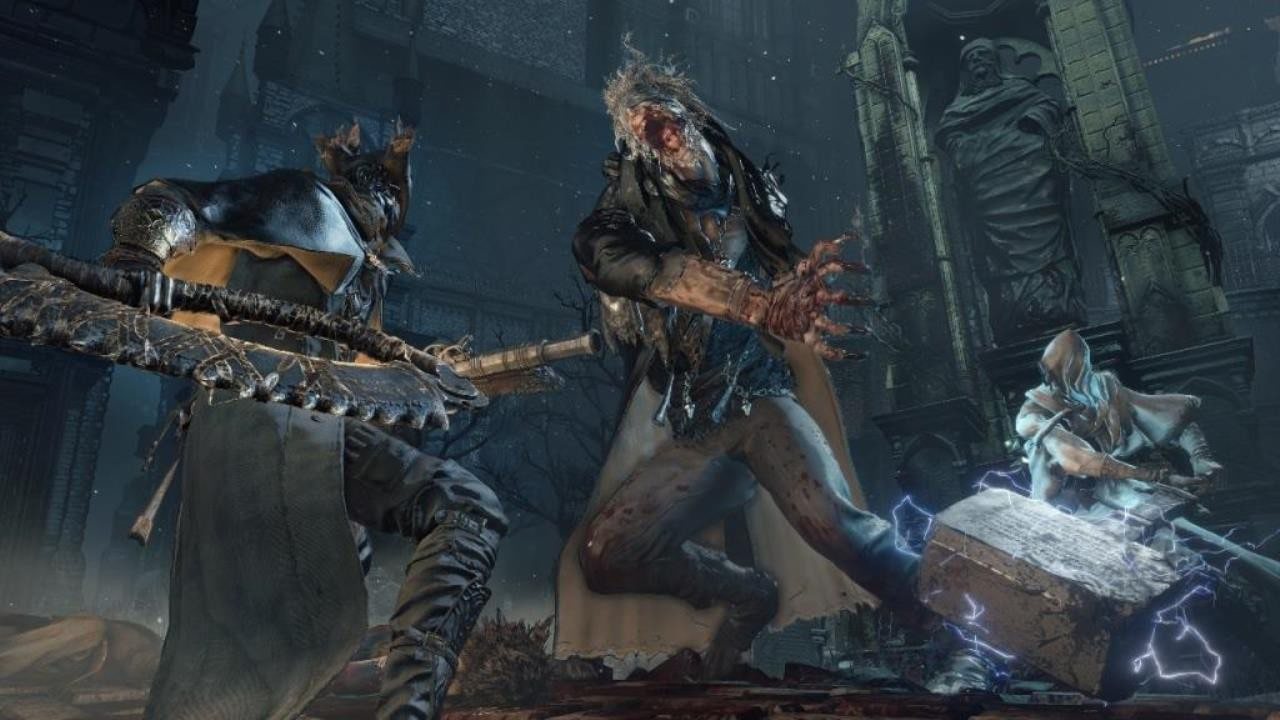
Official Bloodborne screenshot, PlayStation.
Bloodborne has never had an official PC release. What it has, as of October 2026, is four community projects that run the real game on a PC — an emulator and three native ports — and this is the guide set for all four. Every route here needs the same thing from you: your own copy, dumped at version 1.09.
Start here
- How to play Bloodborne on PC — every route compared, and how to
choose between them in a minute.
- What your PC needs — the hardware floor per route, plus the AVX detail that
catches older machines.
Set one up
- shadPS4 setup — the emulator route, end to end: launcher, game folder,
firmware modules, trophy key, first-run settings.
- Native port setup — bbhost on Windows and Linux, the Windows port's
launcher, and bbport built from source on Linux.
- Steam Deck and Linux — the AppImage, the 720p output, and the Steam launch
option that stops every button registering twice.
Make it run well
- Performance settings — frame caps, internal resolution, upscaling, and
the video-memory behaviour that decides whether hour four is as smooth as hour one.
- Troubleshooting — a symptom-by-symptom table: refused eboots, black worlds,
GPU hangs, crashes, and the AMD fullscreen rule.
Go further
- Mods — replacement files, param tables, byte patches, plugins, and what already ships
with bbhost.
- Multiplayer: The Hunter's Dream — co-op, invasions, summon signs
and the private server behind them.
- Which route is ahead? — the four projects side by side, feature by
feature.
- The 2026 timeline — everything that landed in the two weeks that made this
work.
- Legal questions — what is official, what the projects themselves say about game
files, and where this site draws its line.
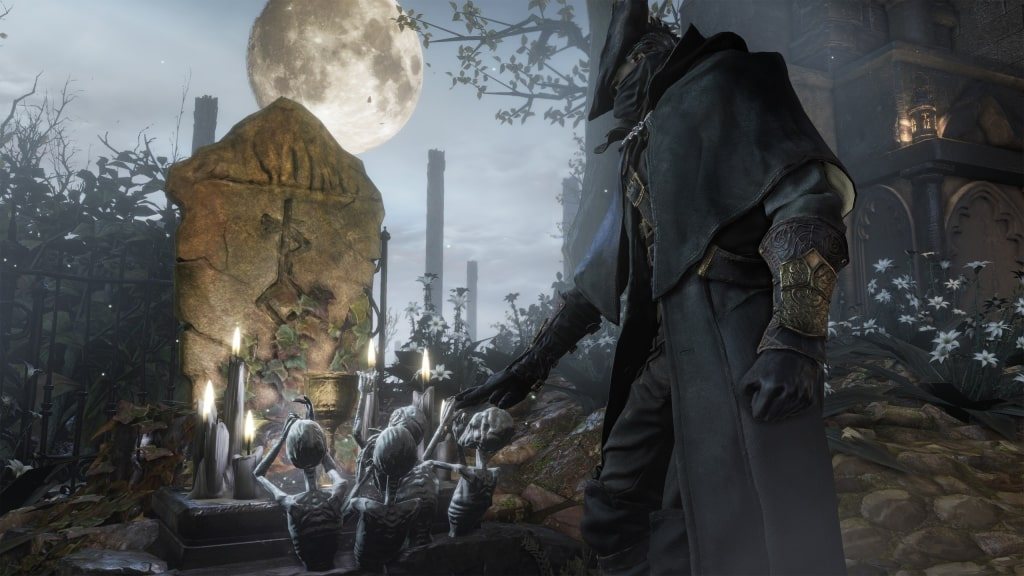
Official Bloodborne screenshot, PlayStation.