Playing Bloodborne online on PC
Co-op, invasions and bloodstains on a private server built for PC hunters — with the population to back it up.
Set the server in bbhost's setup window and link an account, and you have co-op, invasions, messages, bloodstains and summon signs with other PC players. There are no passwords, and PlayStation cross-play is not part of it.
Quick answer: set the online server in bbhost's setup window, link an account, and you have co-op, invasions, messages, bloodstains and summon signs with other PC players. There are no passwords — a PC is linked to an account. Only PC players meet each other: PlayStation cross-play is not part of it.
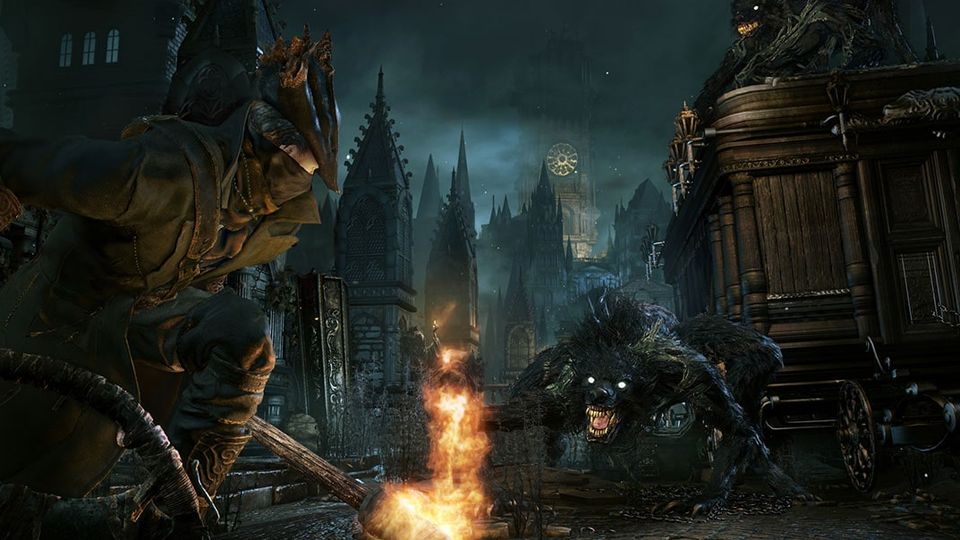
Official Bloodborne screenshot, PlayStation.
What the private server actually provides
Bloodborne's online features — co-op, invasions, summon signs, messages, bloodstains and the play log behind ghosts — are built on the PS4's PlayStation Network libraries and on FromSoftware's own servers. bbhost implements those libraries against a private server, which means the game's online code runs unaltered: the game's own rules still decide who can be summoned and who can invade, and the server carries them.
The Hunter's Dream is that server. It is a non-commercial fan project, and its own front page says the thing worth repeating: it does not condone piracy, you need your own legitimate copy, and builds that bundle the game are not supported.
Set it up
- In the setup window, choose the server — the public one, a playtest server, or your own.
- Link an account. Accounts have no passwords: a PC is linked to an account, either through
Discord or as an account held by that PC plus a recovery code. The account's name is your in-game online name, and F10 shows the same account screen in game.
- If
require_accountis on — it is, by default — the game stays offline until the PC is
signed in.
- Check your configuration if you edited it by hand. The shipped defaults are:
[online]
host = "thehuntersdream.com"
scheme = "https"
verify_tls = true
require_account = true
auth_server = "https://thehuntersdream.com"
A configuration written by an older build that still sends the public server plain HTTP is brought up to these settings at the next start.
How a session connects
- Matchmaking goes to the server's session service: create, search and join rooms, member
events. The game's own logic decides the rules.
- Gameplay traffic is peer-to-peer over UDP, as on the console. Each instance has its own
P2P port — online.p2p_port, default 9307 — and a second instance on the same machine takes the next free port.
- NAT is handled with STUN. The P2P port learns its public address from a STUN server and
both sides punch holes toward each other. When that fails, the server can relay the traffic. On bbport, UPnP opens the router port.
Where the PC version goes beyond the console
- Five players. The late areas — Mensis, Mergo's Loft, the Nightmare Frontier and The Old
Hunters' areas — take two invaders, as the chalice dungeons do. It is a PC enhancement, on by default, and can be switched off for the game as it shipped.
- Faster play-log uploads. Every few seconds instead of every five minutes, which is why the
server's map and profiles stay current.
- Shorter summon timeouts. A summon sign that cannot be answered gives up after 30 seconds
instead of three minutes.
- Seamless co-op. bbport's 0.6 pre-release carries a seamless co-op mode in which the session
survives deaths, lamps, area changes and bosses, for up to five hunters. Everyone in the session needs it and needs to be on the same server. It is a pre-release feature at the time of writing, and it is the kind of thing that gets promoted or reworked quickly.
- Modded worlds stay apart. Sessions with gameplay plugins tell the server their rules, so
their messages, bloodstains, signs and statistics do not mix with vanilla players'.
What the hunt looks like right now
The server publishes its own dashboard, and it is the honest way to answer "is anyone actually playing this". A snapshot taken while writing this page, on 18 October 2026:
| Hunters online | 525 — of which 504 on bbhost and 21 on shadNet |
| Registered hunters | 19,050 |
| Blood messages | 6,395 |
| Chalice dungeons recorded | 1,776 |
| Wandering ghosts | 2,166,526 |
| Summon signs | 201,179 |
| Beasts slain | 2,125,383 — 423,426 of them in the previous day |
Those are live counters, not fixed figures: they move every day, and they are quoted here as a dated snapshot rather than as today's number. The ratio inside them is the interesting part — the private server is where the overwhelming majority of PC hunters are.
Running your own
The server is a separate project. Point online.host, and online.auth_server if the account service lives elsewhere, at your own instance. With scheme = "http" a server on your local network needs no certificate at all, which makes a private two-player setup straightforward.
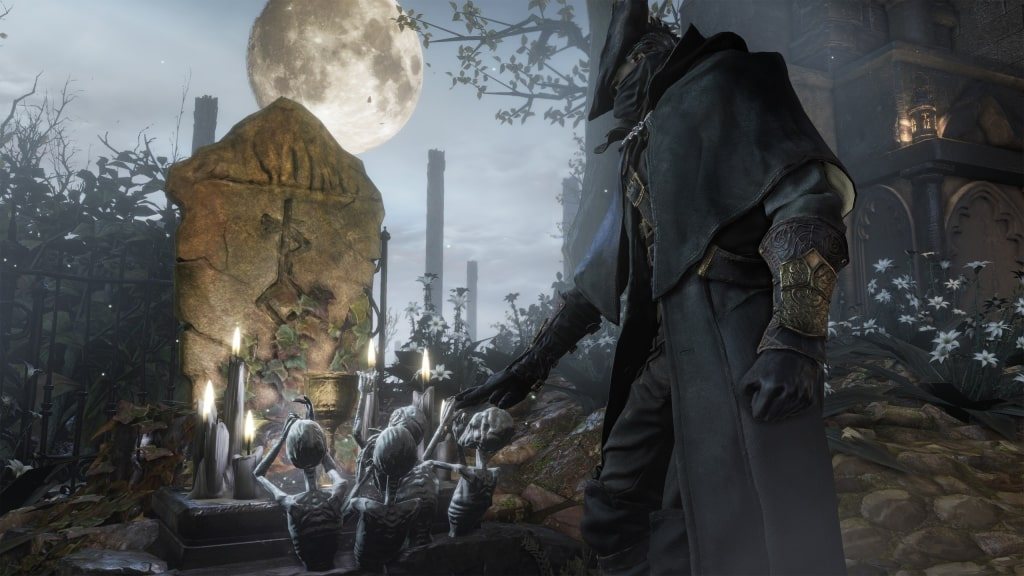
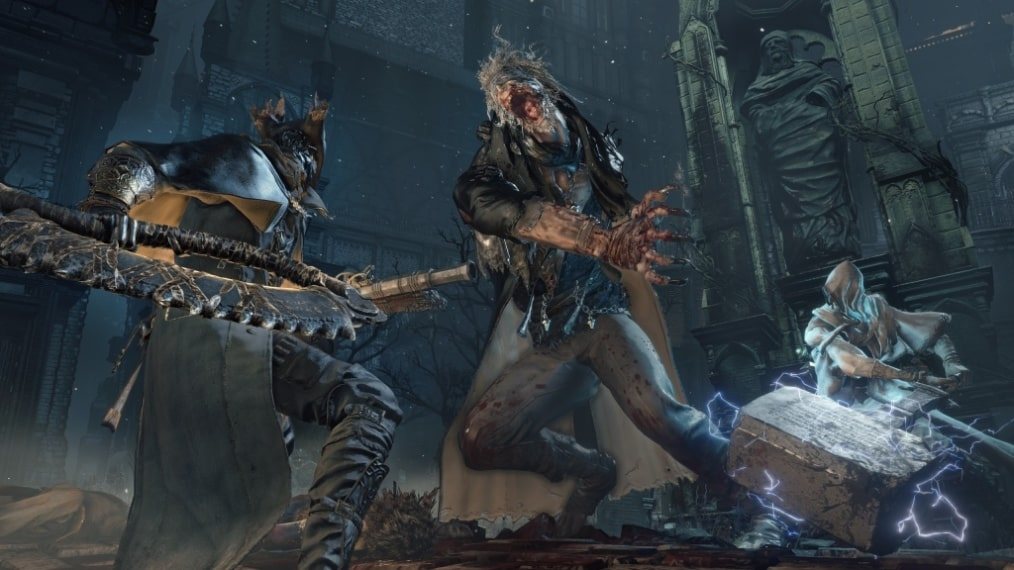
Official Bloodborne screenshot, PlayStation.
The boundary worth stating plainly
PS4 cross-play is not a goal. bbhost players meet other bbhost players. shadPS4 has its own service — shadNet, whose first stable release shipped alongside the emulator's 0.20.0 build — and bbport's online module uses shadNet servers with messages and bloodstains from The Hunter's Dream. If your friends are on a console, none of this reaches them.
Next: mods for what you can load into a session, or performance settings if the frame rate drops when a third hunter joins.